Video decoding
Support for widely used video families including H.264, HEVC, AV1, MPEG-2, MPEG-4, XviD and DivX.
Windows 10 playback support
Windows 10 Codec Pack adds a practical set of DirectShow codecs, filters and splitters for common video and audio files. It is designed for users who still prefer Windows Media Player, Media Player Classic - Home Cinema or other desktop players that use installed system components.
For Windows 10 systems and many earlier desktop Windows versions. Protected, damaged or unusually encoded files may still require a dedicated player or repair workflow.
Overview
Windows 10 already includes playback support for many everyday files. A codec pack is most useful when a desktop player reports a missing codec, opens an MKV or MP4 with no sound, or needs older AVI/XviD/DivX support.
Support for widely used video families including H.264, HEVC, AV1, MPEG-2, MPEG-4, XviD and DivX.
Helps desktop players decode common audio streams such as AAC, AC3, DTS, FLAC and related formats.
Splitters help players read the streams inside files such as MKV, MP4, M2TS, AVI, MOV and WebM.
Codec support and file associations are separate. Use the guide when Windows opens files in the wrong app.
A codec pack is helpful for missing playback components, but it is not a repair tool for every media problem.
You use Windows Media Player, MPC-HC or other DirectShow players and want broader system-level format support.
If only one file fails, the file may be incomplete, damaged, encrypted or encoded in an uncommon way.
After installation, use Windows Default apps if you want media files to open in a different player.
The examples below group common file types and codec families users encounter on Windows 10.
Format support can depend on the player, file condition, container structure and whether the stream is protected by DRM.
A concise list of the main playback components and tools in the current Windows 10 package.
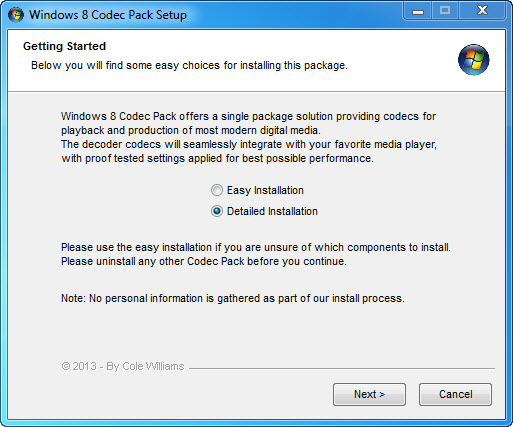
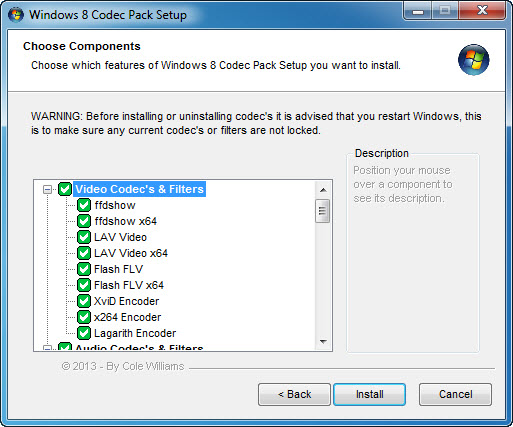
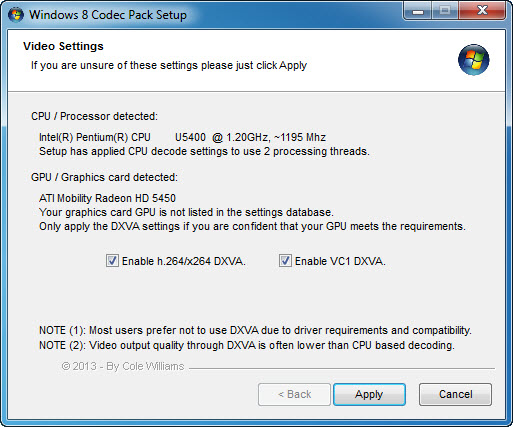
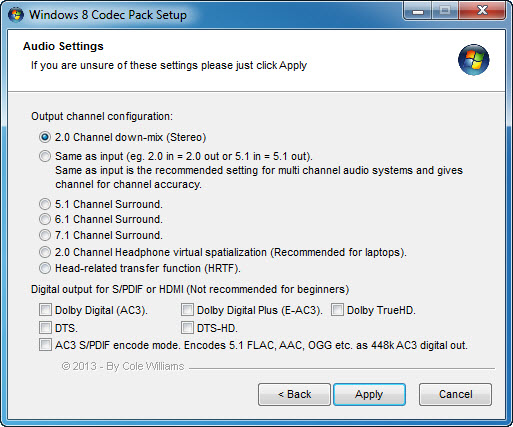
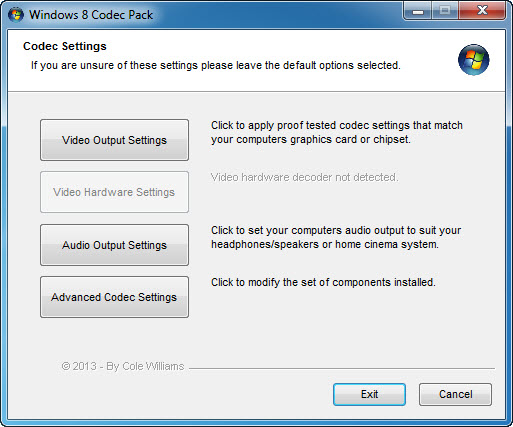
A quick view of the setup and configuration screens.
Focused FAQ-style pages for common playback and missing codec searches.
FAQ
These answers keep expectations clear before installation.
It installs codecs, filters, splitters and related tools so DirectShow-compatible desktop players can open more common video and audio files on Windows 10.
No. It adds playback components and includes Media Player Classic - Home Cinema, but Windows default app settings still decide which program opens a file.
It can help when the missing part is a decoder, splitter or audio filter used by the MP4 or MKV file. Damaged, incomplete or DRM-protected files may still need a different solution.
Yes. The package is aimed at Windows Media Player 10 and newer, Media Player Classic - Home Cinema and other DirectShow-compatible players.
VLC uses many internal codecs, so it may not need system codecs. This pack is most useful when you want broader support in Windows Media Player, MPC-HC or other DirectShow software.
Install common playback components for DirectShow-compatible media players.